Electronics refits go wrong when gear is bought one bargain at a time. Spend an evening planning and the rest follows.
Step 1: write down what you need it to do
- Where you sail: coastal days, overnight passages, offshore.
- Who is on watch, and whether they are alone.
- What you lack today: collision avoidance, steering, depth you trust, weather.
Step 2: list what you have
Make, model and age of every instrument, and how each is connected. Transducers and wind sensors are often worth keeping. Gear that speaks only the old NMEA 0183 needs a converter to join a new network.
Step 3: choose the plotter brand first
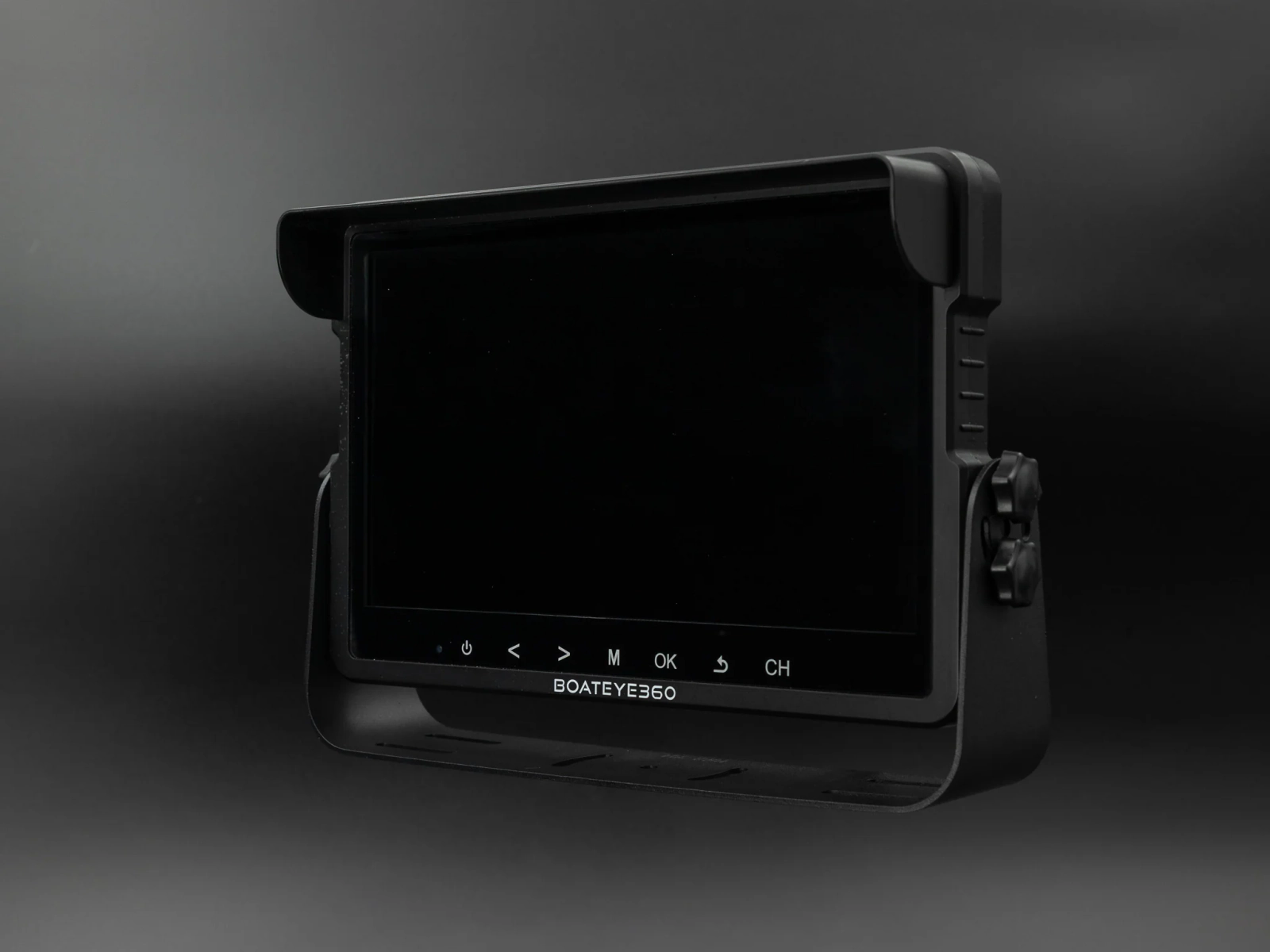
The plotter sits in the middle. It decides which radar you can fit and often which autopilot features work. Choose it on the screen you can read in sunlight, the charts it takes and local service, then build around it.
Step 4: draw the network
One line for the backbone, a drop for each device, and a note of where power joins. Count the tees and the cable lengths.
Step 5: add up the power
Calculator
Electronics power use
What the navigation gear draws over a day on passage.
- 146 Ah
- 6.1 A
If the answer is a large share of your bank, plan the battery or solar change at the same time.
Step 6: stage the spend
- Stage 1: plotter, depth and AIS transceiver.
- Stage 2: autopilot.
- Stage 3: wind instruments and radar.
Buy the backbone long enough for all three stages at the start.
Step 7: plan the installation
- Cable routes, and how each cable gets into the pedestal or up the mast.
- Where the fuses and a dedicated electronics switch will go.
- Whether the mast has to come down for radar or wind gear. If it does, do every mast job at once.
Step 8: keep backups
Decide now what you navigate with if the whole network goes dark, and keep it charged and aboard.
Decide the order
| Stage | What | Why first |
|---|---|---|
| 1 | Power: batteries, charging, wiring, switch panel | New electronics on tired wiring will misbehave |
| 2 | Safety and communication: VHF with DSC, AIS, EPIRB | These are the ones that matter on a bad day |
| 3 | Network backbone and the basic sensors: depth, speed, wind, GPS | Everything else reads from these |
| 4 | Displays and plotter | Choose once you know what data you have |
| 5 | Autopilot | Needs the network and good power |
| 6 | Radar and extras | Last, and only if you will use them |
One brand or several
One brand gives you one set of plugs, one update process and one company to ring. It also ties you to their prices. Mixing brands on NMEA 2000 works for basic data and lets you pick the best of each. A common middle path is one brand for the plotter, autopilot and radar, which talk closely to each other, and whatever you like for the sensors.
Questions to answer on paper
- What do I actually use now, and what have I never switched on?
- Where will each display be read from: the helm, the companionway, the chart table?
- What does it all draw over 24 hours on passage?
- Which holes in the boat can I reuse, and which need filling?
- What works if the network fails? A handheld GPS and VHF, paper charts or a tablet with its own charts.
Mistakes to avoid
- Buying the plotter first because it is the exciting part.
- A screen too big for the helm position, or unreadable in polarised sunglasses.
- Leaving old cables in place. Pull dead wire out as you go.
- No spare capacity in conduits and at the mast base.
- Throwing away the old depth sounder before the new one is proven.
Doing it in stages
A refit does not have to happen in one haul out. Jobs that need the boat out of the water, such as a through hull transducer, or the mast down, such as the wind sensor, radar and masthead cables, are the ones to plan around. Everything else can be done afloat over a season.